Changelog

Follow new updates and improvements to Expiration Reminder.

Redesigned Employee Portal
Redesigned Employee Portal

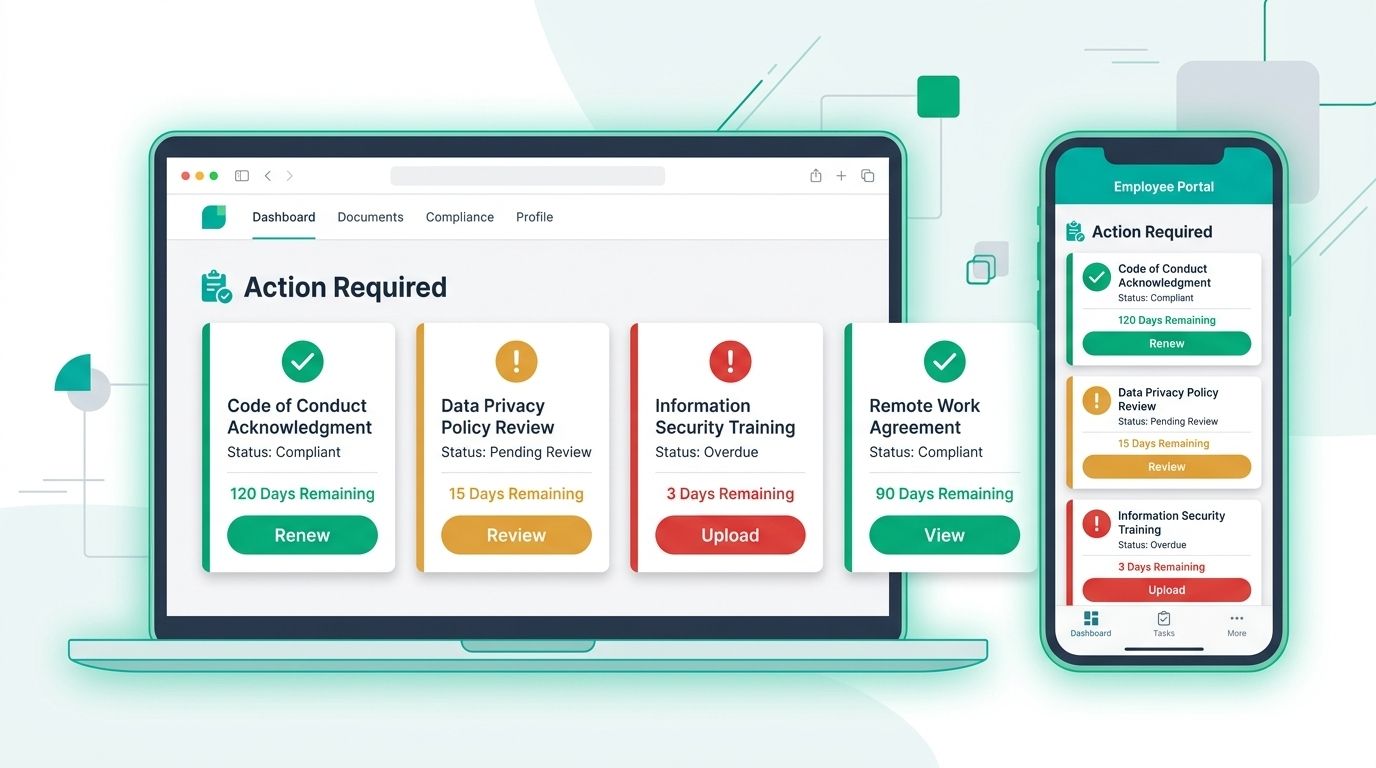
We've rebuilt the employee portal from the ground up so the people who hold documents can see exactly what needs attention and act on it in a few clicks.

What you can do:

  • Start on a home dashboard that leads with an "action required" list of expired, expiring, missing, and rejected items, each with days remaining and a direct button to renew, upload, or re-submit.
  • Work a single My Tasks list that combines pending policy acknowledgements with expiration items, and see the admin's reason when something is returned for changes.
  • Complete onboarding through a guided, multi-step form with a "does not expire" option, custom fields, and saved drafts, then set your own reminder preferences (for example 30, 14, or 7 days ahead).

Employees reach all of this from their portal home screen. It now works on tablet and phone, and it includes a dedicated accessibility pass covering keyboard navigation, visible focus states, screen reader labels, and color contrast.

Your existing documents, renewals, and policy acknowledgements are unchanged.

Read the full release notes: https://www.expirationreminder.com/changelog/employee-portal-redesign

Improved

Bulk Editing and List View Improvements

We have expanded what you can change in bulk and taught the list views to hold onto your setup, so working through large numbers of records takes far fewer clicks.

What you can do:

  • Bulk edit the Company field on expiration items instead of opening each record one by one.
  • Bulk restore items from the Recycle Bin in a single action, rather than restoring them individually.
  • Click a filter bubble to edit that filter directly, instead of removing it and rebuilding from scratch.
  • Filter by Location on both the expiration item and contact list views, with locations now sorted alphabetically.

Your list views also remember column widths after you navigate away, keep filters and results in place after you close a record, and hold the details panel header visible while you scroll across contacts, expiration items, locations, and equipment. You will now see a confirmation prompt before removing a related item in the preview sidebar, so an accidental click no longer breaks a link.

Your existing views and filters are unchanged.

Read the full release notes

Improved

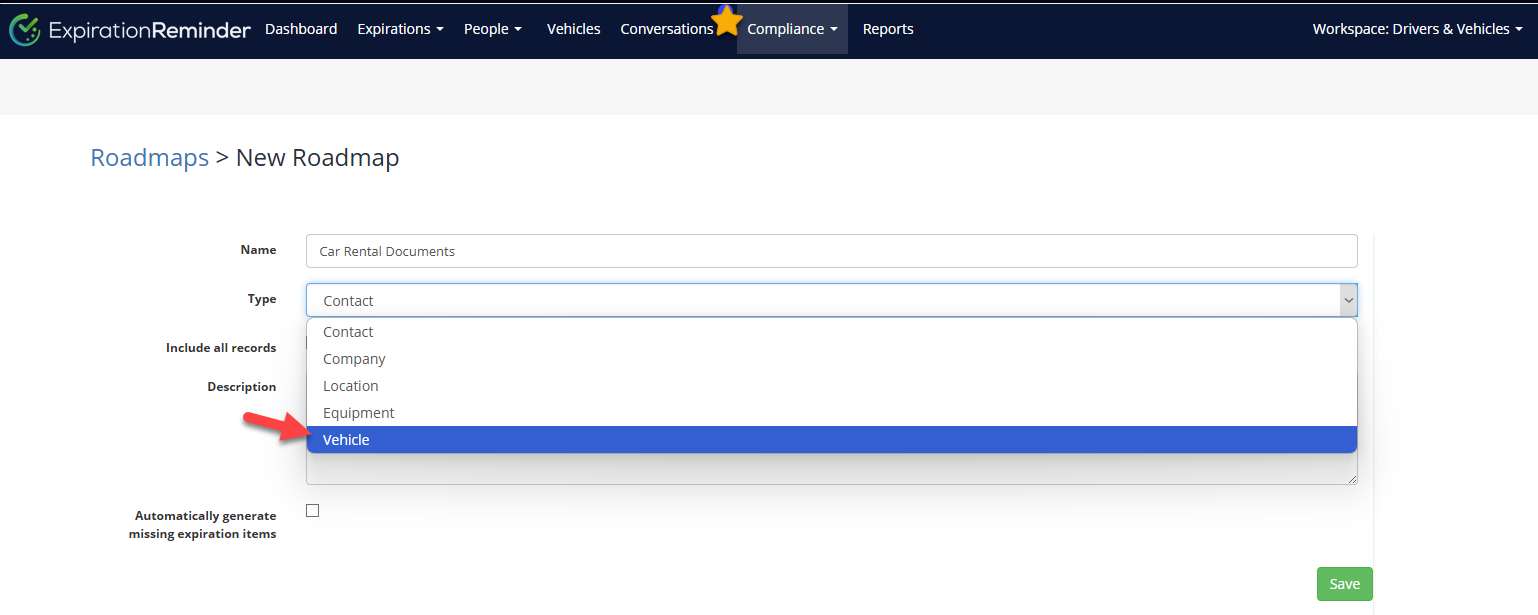
🚗 Roadmap Update: Vehicles Now Available for Roadmaps

We're excited to announce that Vehicles can now be included in the Roadmaps compliance feature! 🎉

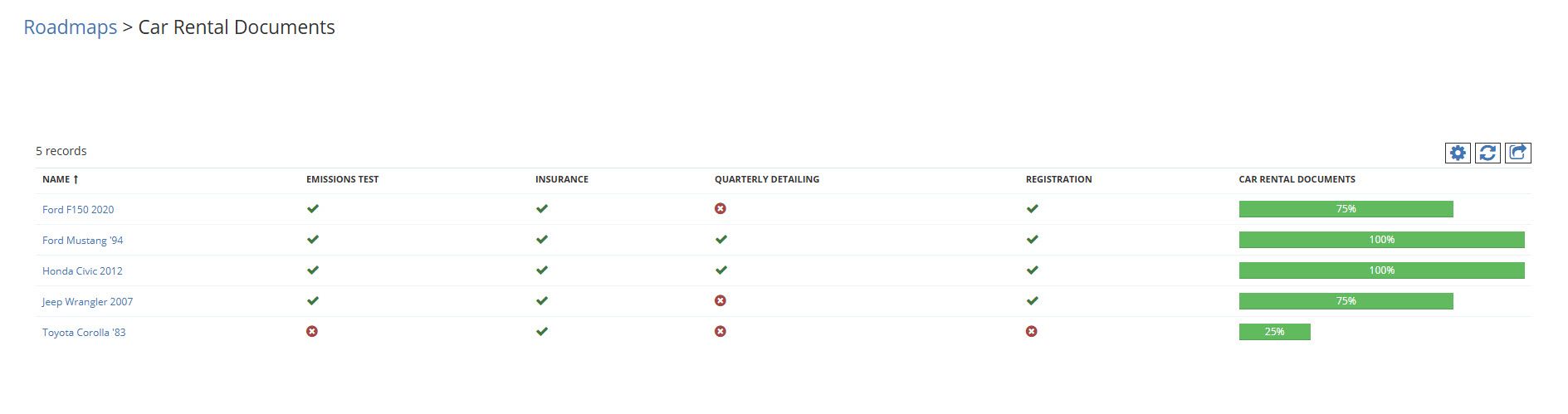
With this enhancement, you can track compliance items for your fleet alongside other entities like Employees and Vendors. This helps ensure a centralized view of upcoming and overdue compliance requirements — such as licenses, registrations, emissions tests, and inspections — all in one place.

What’s new:

  • Vehicles now appear as a selectable category when creating or editing a Roadmap.

  • You can assign compliance items to Vehicles just like you do for People or Vendors.

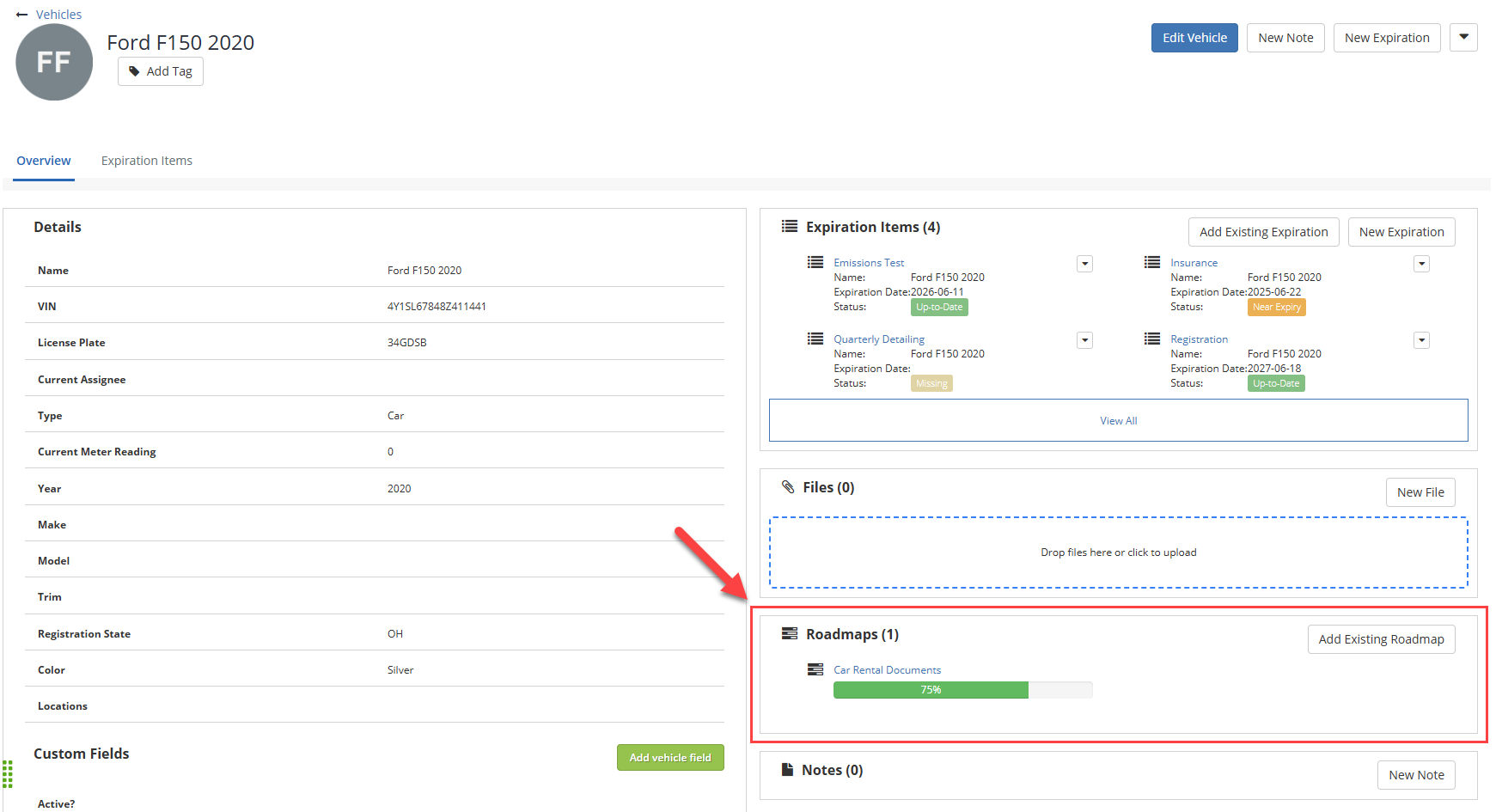
  • Vehicles added to compliance tracking will have the Roadmaps section available in their overview page

🔒 Availability: This feature is available on Standard, Business, Professional, and Enterprise plans.

📘 Learn more about how Roadmaps work in our help article.

Improved

Earlier updates