Custom List Views
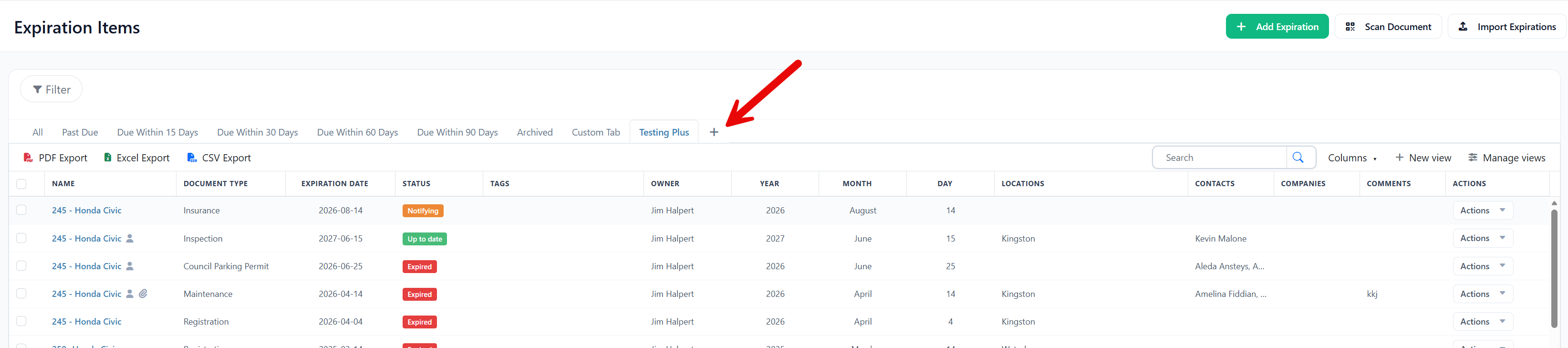
You can now save a filtered version of your expiration items list and return to it anytime, without rebuilding the same filters on every visit.
What you can do:
- Click "New View" above your expiration items list and give the view a name
- Apply the filters you want, and Expiration Reminder saves them to that view
- Return to the view anytime as a tab, alongside built-in views like items due within 60 days and 90 days
- Rely on each view to update automatically as items are added or renewed
Your new views appear as tabs across the top of your list, next to the built-in ones you already use. Your existing views, filters, records, and reminders are unchanged.