Safety Meetings
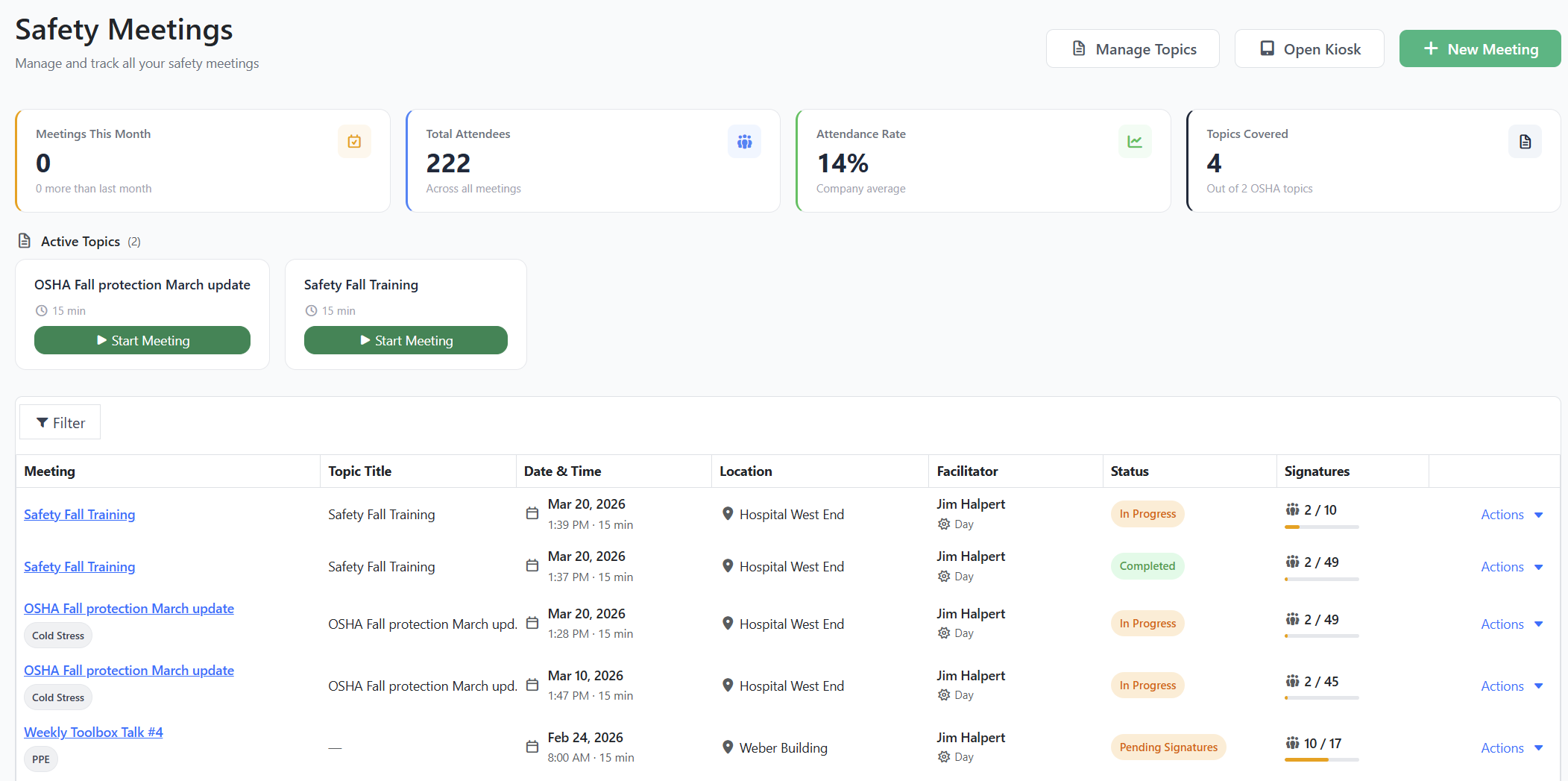
You can now plan, run, and document toolbox talks and safety briefings directly in Expiration Reminder, with attendee sign-in, electronic signatures, and a full audit trail per meeting.
What you can do:
Schedule meetings with a date, time, duration, location, shift, and facilitator, then pick attendees from your contact list (filter by tag or location to add a crew at once).
Build meeting content three ways: write it yourself, upload a PDF (for example, an SDS or an OSHA bulletin), or generate a starter draft with AI based on the topic.
Run a sign-in kiosk on a shared tablet or laptop at the meeting. Each attendee taps their name, signs on screen, and you watch the signature count climb in real time.
Track attendance with four states (Expected, Signed, Not Attended, Excused) and reasons, then move the meeting through Draft, Scheduled, In Progress, Pending Signatures, and Completed.
Reuse content across meetings with a Topics library, and pull five standard reports: Attendance, Completion by Site, Compliance Gap, Employee History, and Topic Coverage.
Look for Safety Meetings in the main navigation. The Kiosk button is on the index and on each meeting's detail page.
Conductor reminders fire one hour before each scheduled meeting, unsigned-meeting reminders go to attendees once a meeting moves to Pending Signatures, and admins get a completion alert when a meeting closes out.
Safety Meetings is a plan-gated module. If you do not see it in your menu, contact your account manager.